Zoho Desk is an easy-to-use help desk tool that helps you manage customer service with features like ticket handling, AI automation, and customization options. It supports different ways of communication and works well with other software to improve efficiency. Read the complete product review to clear all doubts about this software.
Add your review
92
Add to wishlistAdded to wishlistRemoved from wishlist0
Zoho Desk is a robust help desk solution that streamlines customer support by managing tickets across multiple channels, including email, social media, and live chat. It leverages advanced AI features like Zia for automation, sentiment analysis, and predictive insights, enhancing service efficiency and response times.
With self-service capabilities, businesses can empower customers to resolve issues independently, while seamless integrations and extensive customization options ensure Zoho Desk adapts to various business needs. This comprehensive platform helps businesses elevate customer service, improve agent productivity, and maintain high satisfaction.
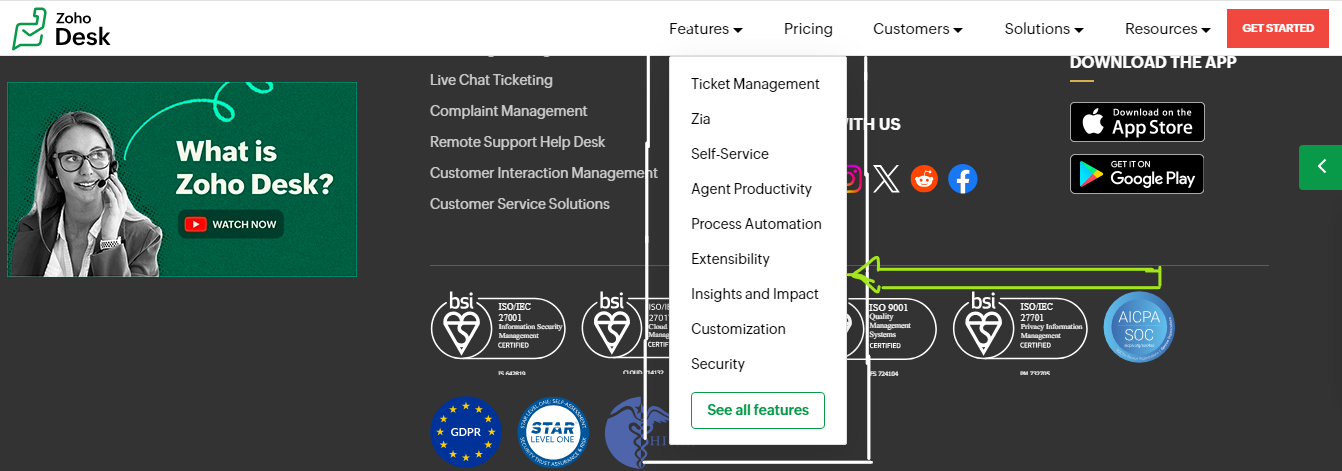
Zoho Desk Key Features
Zoho Desk offers a diverse range of features, each categorized to address different aspects of customer service management. Below, we have outlined these various feature types for you to explore and understand their specific functions.
Ticket Management
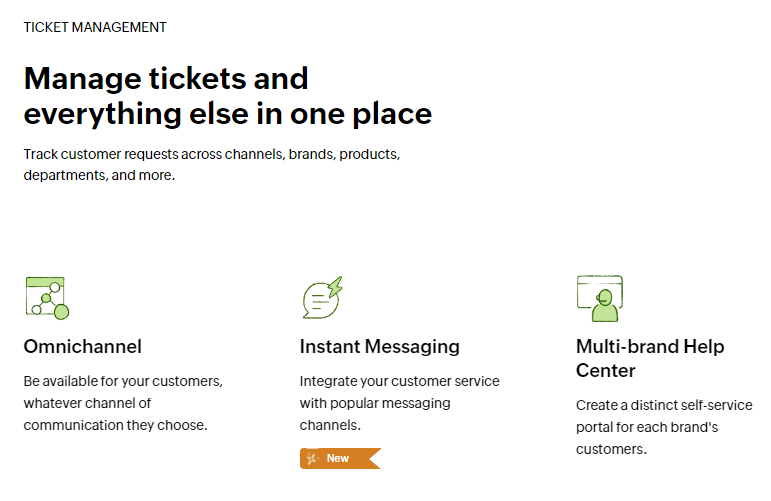
Zoho Desk’s ticket management system provides a centralized platform to handle customer requests across multiple channels, including email, social media, live chat, and web forms. This feature enables businesses to track and manage tickets seamlessly, regardless of the communication method used by the customer. The system supports multi-brand and multi-department configurations, allowing companies to organize their help desk operations to mirror their internal structure. This organization ensures that tickets are routed efficiently, improving response times and enhancing overall customer satisfaction.
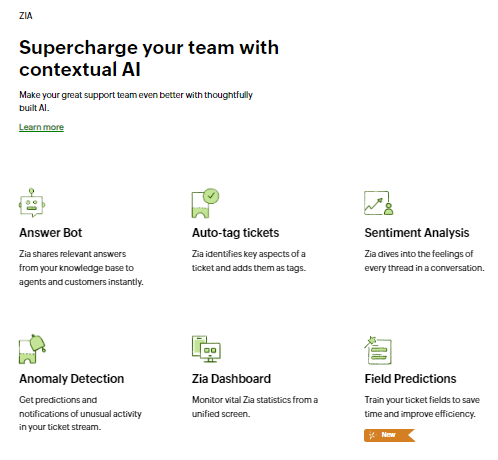
Zia
Zia, Zoho Desk’s AI-powered assistant, brings advanced automation and intelligence to customer service operations. Zia helps by automatically tagging tickets with relevant keywords, conducting sentiment analysis to gauge the emotional tone of customer interactions, and predicting anomalies in ticket activity to preempt potential issues.
The AI-driven Answer Bot provides instant responses by pulling relevant information from the knowledge base, while generative AI capabilities enable the creation of customized replies based on ticket content. Zia’s dashboard offers a unified view of critical AI metrics, ensuring that support teams can leverage these insights to improve their performance and efficiency.
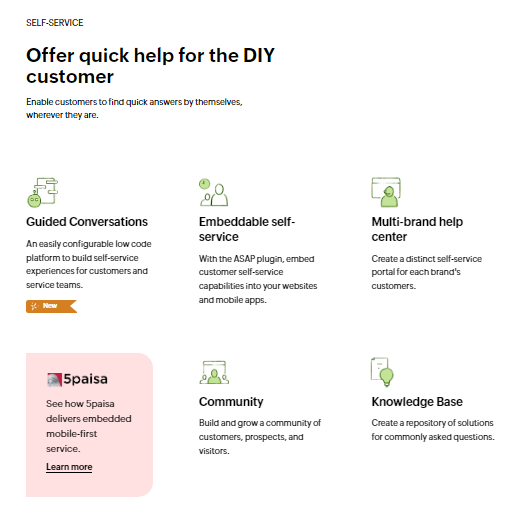
Self-Service
The self-service features in Zoho Desk empower customers to find solutions independently, reducing the need for direct interaction with support agents. The Guided Conversations tool allows businesses to create interactive, low-code self-service experiences that guide customers through problem-solving processes.
The multi-brand help center supports distinct self-service portals for each brand, ensuring a tailored experience for users. Additionally, the embeddable self-service capabilities via the ASAP plugin integrate these resources directly into websites and mobile apps, providing easy access to help without navigating away from the business’s digital platforms.
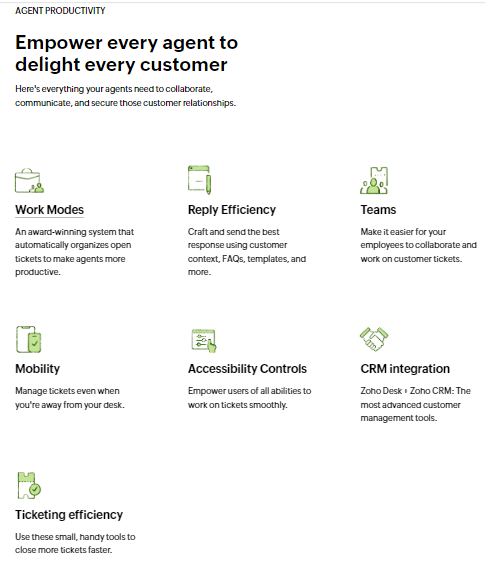
Agent Productivity
Zoho Desk is designed to enhance agent productivity with a suite of tools and features aimed at streamlining workflow. Work Modes automatically organize open tickets by priority, status, or other criteria, allowing agents to focus on the most critical issues. Reply Efficiency tools provide context-specific suggestions and templates to help agents craft accurate and timely responses.
The platform also supports team collaboration, enabling agents to work together on tickets and share information efficiently. Mobility features ensure that agents can manage tickets and respond to customer queries even when they are away from their desks. Accessibility controls are in place to support users of all abilities, further enhancing the productivity and inclusiveness of the support team.
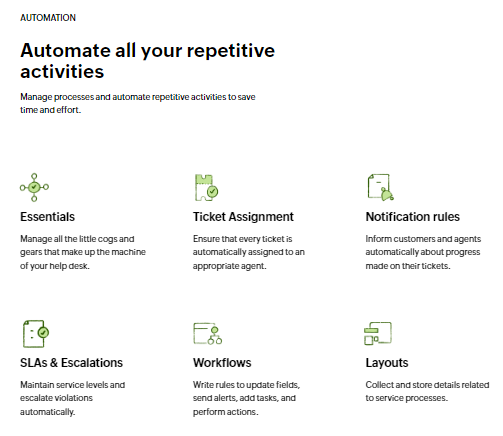
Automation
Automation in Zoho Desk reduces the manual effort involved in managing customer service processes. The platform automates repetitive tasks such as ticket assignment, where tickets are automatically directed to the appropriate agent based on predefined rules. Notification rules keep both customers and agents informed about ticket progress, while SLAs and escalation processes ensure that service levels are maintained and violations are addressed promptly.
Workflows allow businesses to create rules for updating ticket fields, sending alerts, and performing various actions, all of which contribute to a more efficient and streamlined service operation. Custom functions and the Blueprint feature enable businesses to manage complex service processes and tailor automation to their specific needs.
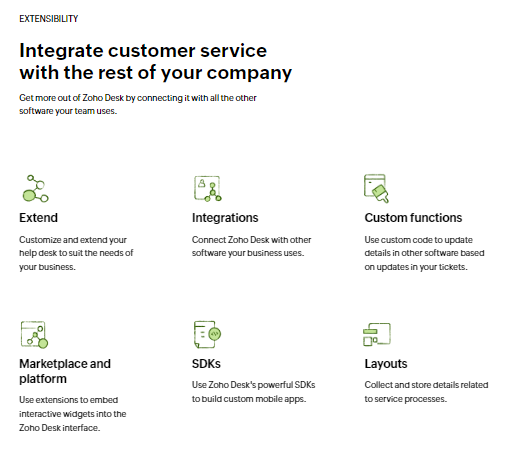
Extensibility
Zoho Desk’s extensibility features allow businesses to integrate the help desk with other software tools and systems, enhancing its functionality and adaptability. The platform supports numerous integrations with third-party applications, enabling seamless connections with tools already in use. Custom functions and APIs facilitate the synchronization of data across systems, while the Marketplace provides access to extensions that embed interactive widgets and additional features into the Zoho Desk interface. The SDKs available for building custom mobile apps offer further opportunities for extending the platform’s capabilities, allowing businesses to create tailored solutions that meet their unique requirements.
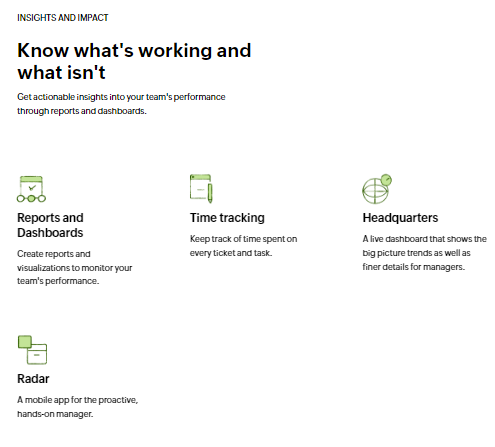
Insights and Impact
Zoho Desk provides comprehensive insights into customer service performance through detailed reports and dashboards. These tools enable businesses to monitor key metrics, track agent productivity, and analyze customer interactions to identify trends and areas for improvement. Time tracking features allow for the precise measurement of time spent on each ticket, helping to evaluate efficiency and manage workloads effectively. The Headquarters dashboard offers a broad overview of service operations, while the Radar mobile app provides managers with real-time access to performance data, enabling proactive management and informed decision-making.
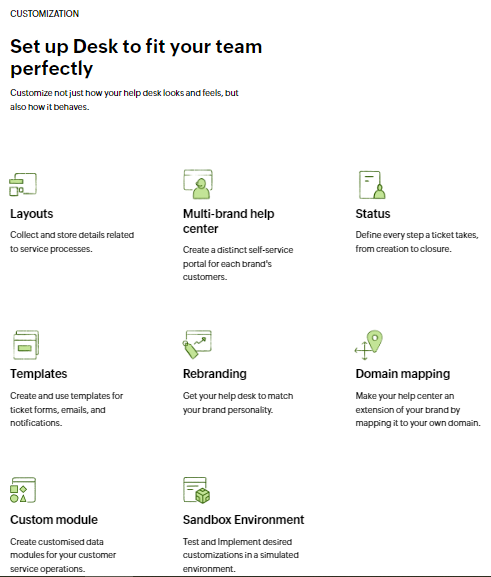
Customization
Customization in Zoho Desk allows businesses to tailor the help desk environment to their specific needs and preferences. The platform supports various customization options, including the creation of custom modules and templates for ticket forms, emails, and notifications. Businesses can rebrand their help desk to align with their corporate identity, including domain mapping to integrate the help center with their domain. The Sandbox Environment enables businesses to test and implement customizations in a simulated setting before going live. This flexibility ensures that Zoho Desk can be adapted to fit different operational requirements and enhance the overall user experience.
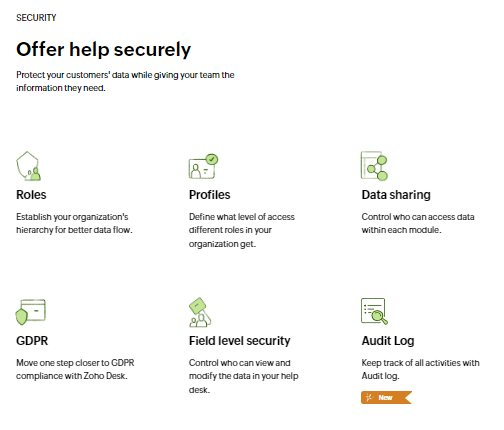
Security
Security is a critical component of Zoho Desk, designed to protect customer data and ensure secure access to information. The platform includes features for defining roles and profiles, which control the level of access different users have within the system. Data-sharing settings allow for granular control over who can view and modify information. Compliance with data protection regulations such as GDPR is supported, and field-level security provides additional protection by controlling access to specific data fields. The Audit Log feature tracks all activities within Zoho Desk, ensuring transparency and accountability in customer service operations.
Pricing
Zoho Desk Pricing Plans
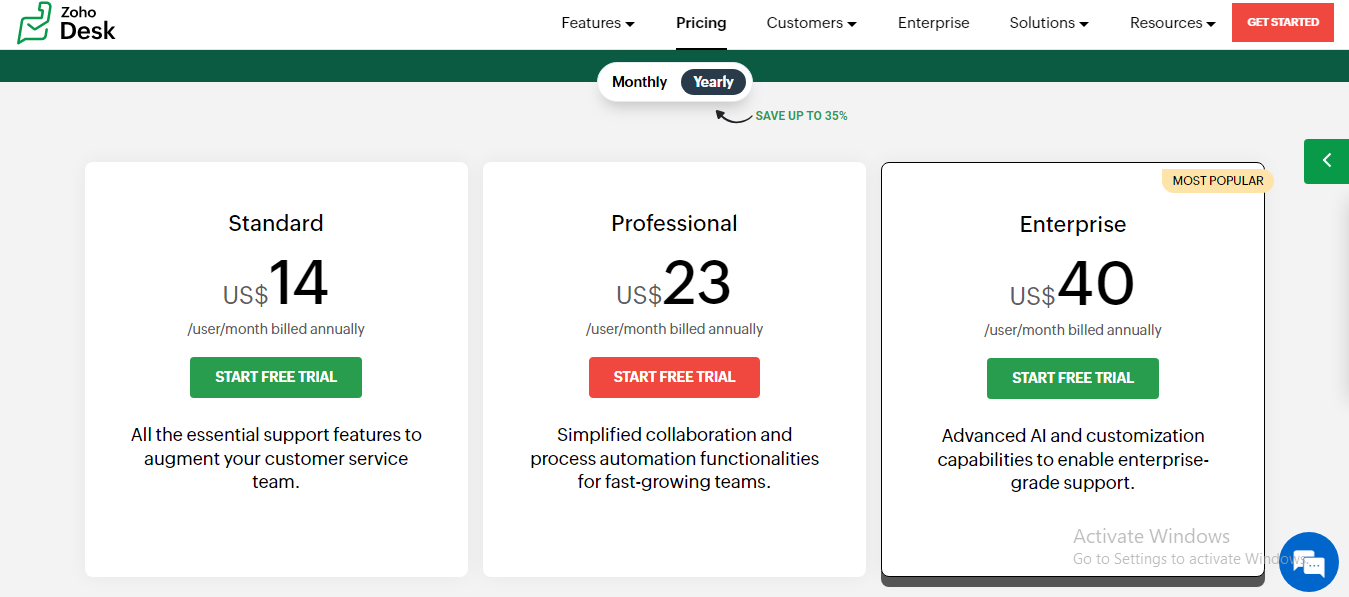
Zoho Desk offers three distinct pricing plans, each designed to cater to varying business needs with its unique set of features. Explore the details of each plan below to find out which option best suits your organization’s requirements.
Standard Plan – $14/user/month
At $14 per user per month, billed annually, the Standard Plan provides all the essential support features necessary to boost your customer service team’s efficiency. This plan is designed to cover the core functionalities required for effective customer interaction management.
Professional Plan – $23/user/month
The Professional Plan is available for $23 per user per month, billed annually. It includes additional features for simplified collaboration and process automation, making it well-suited for fast-growing teams that need to enhance their operational efficiency and streamline workflows.
Enterprise Plan – $40/user/month
For $40 per user per month, billed annually, the Enterprise Plan offers advanced AI capabilities and extensive customization options. This plan is tailored for businesses that require enterprise-grade support solutions with sophisticated features to address complex service needs.
User Reviews
0.0out of 5
★★★★★
0
★★★★★
0
★★★★★
0
★★★★★
0
★★★★★
0
Write a review
There are no reviews yet.
Be the first to review “Zoho Desk Review: Features, Pricing & More” Cancel reply





There are no reviews yet.