
 Sukhen Halder
 Introduction Of AI Graphic Design Tools: In the dynamic landscape of digital design, the integration of Artificial Intelligence (AI) is revolutionizing creative processes. AI graphic design tools are reshaping the way artists and designers express themselves, offering the ability to craft unique designs efficiently and in record time. This introduction explores a selection of top AI graphic design tools, each pushing the boundaries of creative potential by streamlining tasks, personalizing experiences, and enhancing overall design efficiency.
Complete List Of Best AI Graphic Design Tools

Uizard
Accelerates prototyping and iteration.
Swiftly transition from the sketchbook
Digitizes hand-drawn ideas

Designs.ai
A wide variety of fonts, colors, and graphics.
Machine learning design style.
Tailor-made design solutions

Adobe Sensei
Well-known Adobe suite
Comprehensive package for any designer
Smooth integration with Adobe’s suite

Fronty
Generates customized HTML, CSS, & React
Speeds up web development.
Simplifies the web design process

AutoDraw
Applies machine learning to enhance drawings.
Perfect for quick sketching and ideation.

Khroma
Ensures color consistency in designs
An excellent resource for color ideas
Khroma crafts personalized color palettes

Let’s Enhance
Fills in missing details using neural networks
Perfect for readying low-res images for printing

Jasper.ai
Simplifies content creation
Ideal for crafting stories that enhance designs
What Are AI Graphic Design Tools?

AI graphic design tools are advanced computer programs that use Artificial Intelligence to help artists and designers create digital designs. These tools can transform hand-drawn sketches into digital files, speed up the design process, and even adjust to individual design preferences. By leveraging machine learning and automation, AI graphic design tools simplify complex tasks, making the design process more efficient and accessible for a variety of creative projects.
How Are These AI Graphic Design Tools?
These AI graphic design tools are like smart helpers for artists and designers. They use special computer tricks to turn drawings into digital designs, making things faster. What’s cool is they can also learn what each person likes and adjust to their style. It’s like having a friend who helps you make cool pictures on the computer, making everything easier and more fun!
AI Graphic Design Tools: Top 10 AI Graphic Design Tools
Uizard
Uizard
Accelerates prototyping and iteration.
Swiftly transition from the sketchbook
Digitizes hand-drawn ideas
Uizard is a cool tool that uses smart computer tricks to turn drawings into digital designs. It helps people who make apps and pictures on the computer. What’s awesome is that it makes drawing on paper become digital fast while still keeping the personal touch. Uizard is like a helpful friend for artists and app makers, making their work easier and more fun.
Features Of Uizard:
- Transform sketches into digital UI designs.
- Speeds up the prototyping and iteration process.
- Maintains the personal touch of hand-drawn designs.
- Offers exportable designs in multiple formats.
Designs.ai
Designs.ai
A wide variety of fonts, colors, & graphics.
Machine learning design style.
Tailor-made design solutions
Designs.ai is a comprehensive AI-assisted design toolkit that reshapes expectations of what AI graphic design tools can achieve. Equipping you with everything from standout logos to persuasive videos and effective social media ads, Designs.ai stands out with its machine-learning capabilities. Tailoring its solutions to your preferences, optimizes the design process, ensuring an efficient and personalized creative journey.
Whether it’s branding or video production, Designs.ai offers a diverse suite to meet every creative need. With a user-friendly platform, it promotes creativity and originality, making it accessible regardless of your design background. Key features include an extensive toolkit for diverse design needs, adaptive machine-learning algorithms, and a vast collection of fonts, colors, and graphics.
Features Of Designs.ai
- Extensive toolkit for varied design requirements.
- Machine learning algorithms that adjust to personal design tastes.
- A vast collection of fonts, colors, and graphics.
Adobe Sensei
Adobe Sensei
Well-known Adobe suite
Comprehensive package for any designer
Smooth integration with Adobe’s suite
Adobe Sensei showcases the transformative power of AI in enhancing design efficiency. Through the seamless integration of AI and machine learning, Sensei automates routine tasks and inspires innovative design solutions. As an invaluable resource within Adobe’s design tool suite, this AI helper caters to the needs of professional graphic designers and creatives alike.
By tackling mundane tasks, Sensei liberates designers to concentrate on their artistic endeavors, offering a comprehensive package that combines robust AI capabilities with familiar design tools. Notable features of Adobe Sensei encompass the automation of recurring tasks, a diverse range of functionalities to enhance creativity and a smooth integration with Adobe’s suite of design tools.
Features Of Adobe Sensei:
- AI automation of recurring tasks.
- A diverse range of functionalities to boost creativity.
- Smooth integration with Adobe’s suite of design tools.
Fronty
Fronty
Well-known Adobe suite
Comprehensive package for any designer
Smooth integration with Adobe’s suite
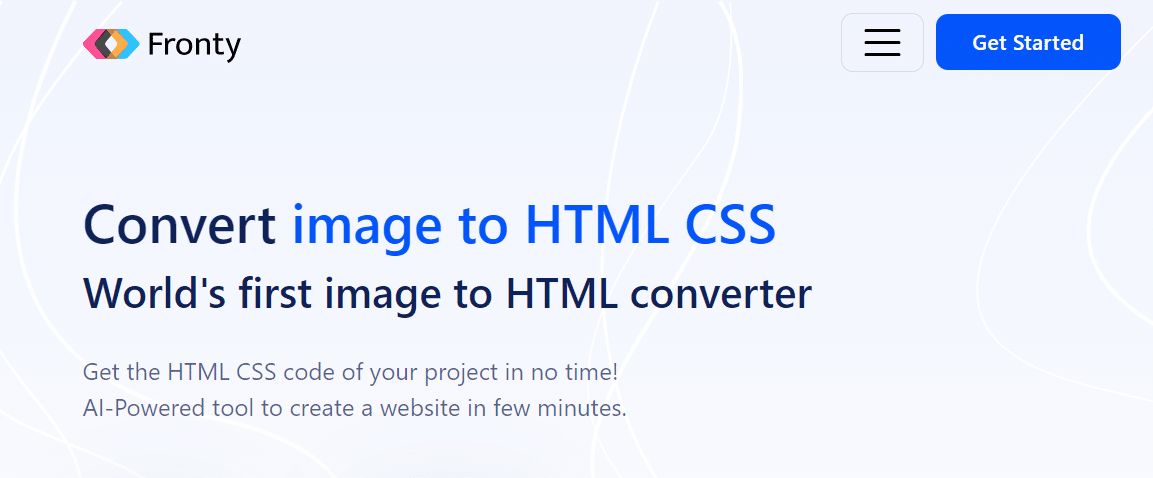
Fronty is a special tool that shows how powerful AI can be in design and development. It makes creating websites easy by turning picture designs into actual websites with just a few clicks. Besides that, it can also make custom code like HTML, CSS, and React, making it useful for both web designers and developers.
The best part is, that it makes the time from having an idea to having a live website much shorter, making it a must-have for web development. Its main features include turning image designs into working websites, creating personalized code, and speeding up the web development process.
Features Of Fronty:
- Transforms image designs into operational websites.
- Produces custom HTML, CSS, and React code.
- Accelerates the web development process.
AutoDraw
AutoDraw
Applies machine learning to enhance drawings.
Perfect for quick sketching and ideation.
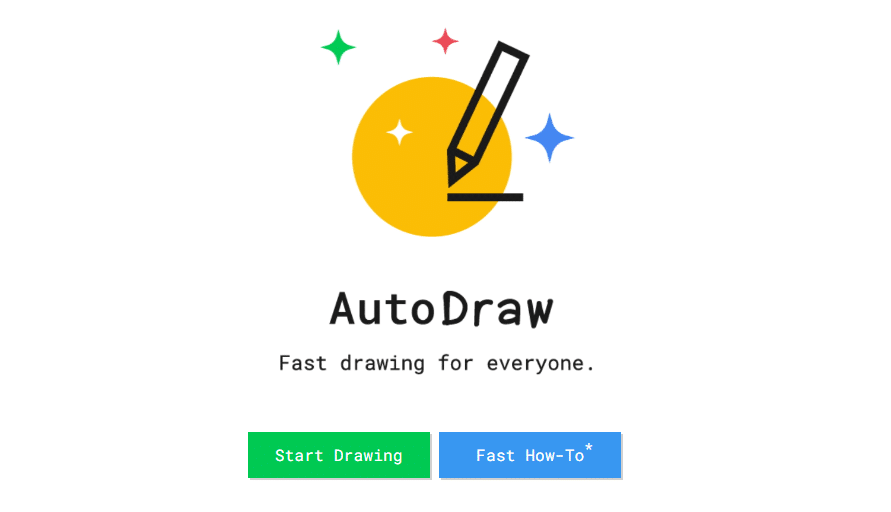
AutoDraw, developed by Google, demonstrates the user-friendly nature of AI design tools. It easily transforms your basic sketches into polished illustrations by predicting your drawing intentions and offering a range of refined options. AutoDraw brings a revolution to swift sketching and idea generation by seamlessly incorporating AI.
Its user-friendly interface, coupled with machine learning, makes it an appropriate tool for both casual doodlers and seasoned designers. Whether engaged in a complex design project or sketching for enjoyment, AutoDraw’s predictive drawings add an extra layer of creativity to your artistic exploration.
Features Of AutoDraw:
- Effortlessly converts rough sketches into refined illustrations.
- Predicts drawing intentions using a machine learning algorithm.
- Offers a selection of polished sketches to choose from.
- User-friendly interface suitable for doodling enthusiasts and professional designers.
- Enhances creative journeys with predictive drawings.
Khroma
Khroma
Ensures color consistency in designs
An excellent resource for color ideas
Khroma crafts personalized color palettes
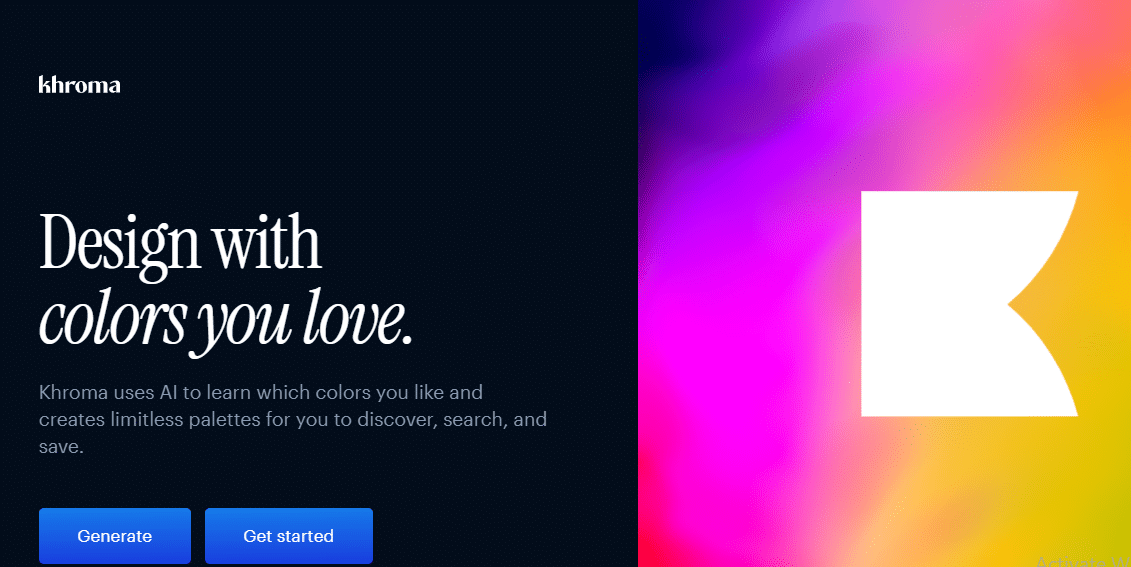
Khroma stands out as a significant AI color tool in the design process, especially for color selection and consistency. Tailoring its output based on individual aesthetic preferences, Khroma produces personalized color palettes, providing endless options that match your unique style. Going beyond the basics, Khroma excels in understanding your color preferences, simplifying the process of finding the perfect color combinations and ensuring consistency across designs.
Whether seeking color inspiration or aiming for a cohesive look across projects, Khroma proves to be an excellent choice. Key features include the creation of personalized color combinations, maintaining consistency in color across designs, and serving as a valuable tool for color inspiration.
Features Of Khroma:
- Generates personalized color palettes based on user preferences.
- Ideal for maintaining color consistency across designs.
- A valuable tool for color inspiration.
Let’s Enhance
Let’s Enhance
Fills in missing details using neural networks
Perfect for readying low-res images for printing
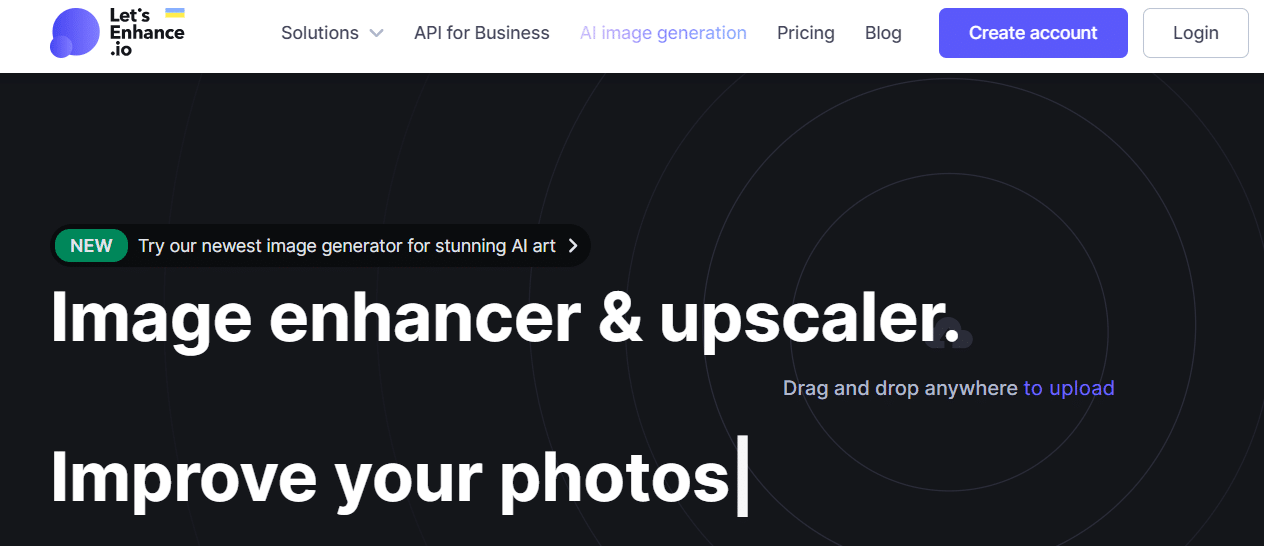
Let’s Enhance, an AI-driven graphic design tool, stands out for its ability to enhance image quality without losing details. Primarily designed for enlarging low-resolution images and restoring old photos, it utilizes neural networks to add missing details, creating high-quality images even from highly pixelated sources. Serving as a powerful example of AI’s capabilities in image editing and restoration,
Let’s Enhance revitalizes low-quality images, ensuring they meet the highest resolution standards. Whether enhancing images for print or digital media, Let’s Enhance is a reliable solution. Key features include the ability to upscale images without compromising quality, the use of neural networks to fill in missing details, and suitability for preparing low-res images for print.
Features Of Let’s Enhance
- Enhances image quality without losing details.
- Specifically useful for enlarging low-resolution images and restoring old photos.
- Utilizes neural networks to add missing details to create high-quality images.
- Demonstrates the power of AI in image editing and restoration.
- Ensures images meet the highest resolution requirements.
- Ideal for preparing low-res images for print.
Jasper.ai
Jasper.ai
Fills in missing details using neural networks
Perfect for readying low-res images for printing
Jasper.ai, an AI writing assistant, is tailored to craft compelling text that enhances your designs, whether for product descriptions, ad copy, or blog posts. Although not a conventional graphic design tool, Jasper.ai plays a crucial role for designers aiming to weave captivating narratives around their visuals.
It simplifies content creation, ensuring that the written message is as impactful as the design itself. Recognized as an essential tool for creative professionals, Jasper.ai’s leading features include generating engaging text for various purposes, streamlining the content creation process, and creating narratives that seamlessly complement designs.
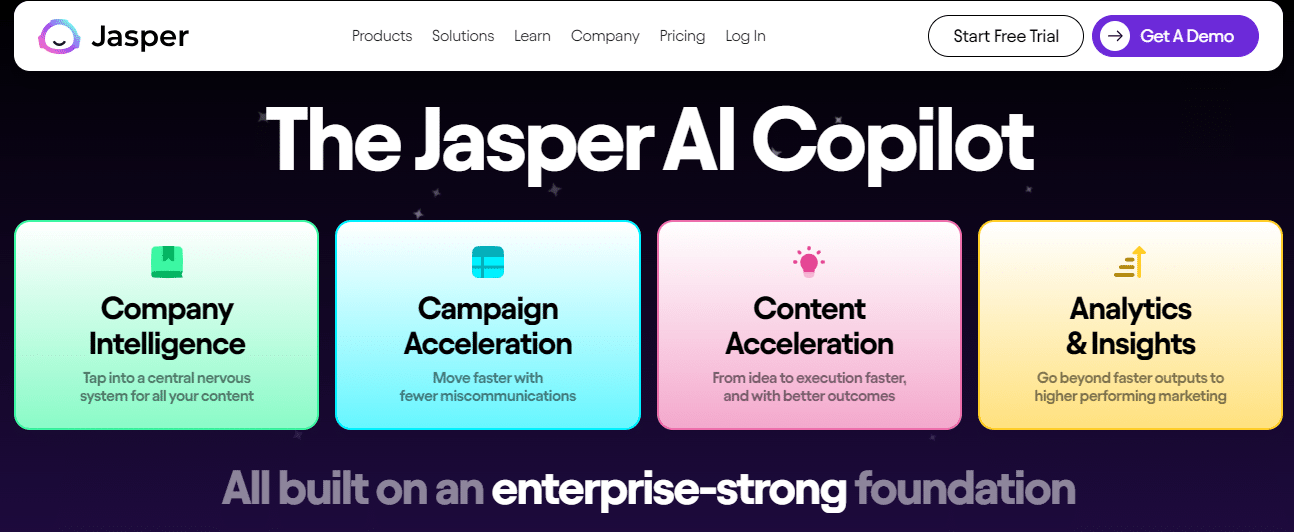
Features Of Jasper.ai:
- Generates compelling text for various purposes.
- Streamlines the content creation process.
- Essential for creating narratives that complement designs.
The Ultimate Conclusion On AI Graphic Design
In conclusion, AI graphic design tools represent a transformative force in the creative landscape, revolutionizing the design process with efficiency and innovation. From tools like Uizard streamlining the transition from sketches to digital designs to Jasper.ai enhancing textual narratives, these AI-powered solutions cater to a diverse range of creative needs.
Whether transforming images into functional websites with Fronty or ensuring color consistency with Khroma, the collective impact of these tools is undeniable. The marriage of artificial intelligence and graphic design stands as a testament to the limitless possibilities, providing designers with powerful resources to amplify their creativity and redefine the boundaries of design.
Frequently Asked Questions & Answers About AI Graphic Design
What is the role of AI in graphic design?
AI in graphic design involves the use of advanced algorithms to streamline and enhance the creative process. These tools can transform sketches, generate personalized color palettes, and automate various design tasks.
How do AI graphic design tools benefit designers?
AI graphic design tools offer efficiency and innovation by automating routine tasks, adapting to personal design preferences, and providing creative solutions. They save time, enhance productivity, and contribute to the overall quality of designs.
Can AI graphic design tools be used by non-professionals?
Yes, many AI graphic design tools are user-friendly and accessible to both professionals and amateurs. Tools like AutoDraw and Khroma are designed to cater to a wide range of users, from doodling enthusiasts to seasoned designers.
What features should I look for in an AI graphic design tool?
Key features to consider include the tool’s ability to transform designs into code, generate personalized outputs, and accelerate the design process. Look for tools that align with your specific creative needs and preferences.
Are there limitations to AI graphic design tools?
While AI graphic design tools offer significant benefits, they may have limitations in fully replicating the nuanced creativity of human designers. Additionally, the effectiveness of these tools may vary depending on the complexity of the design task.


